301 vs 302 Redirects: Which to Use and When
 Anna Novak
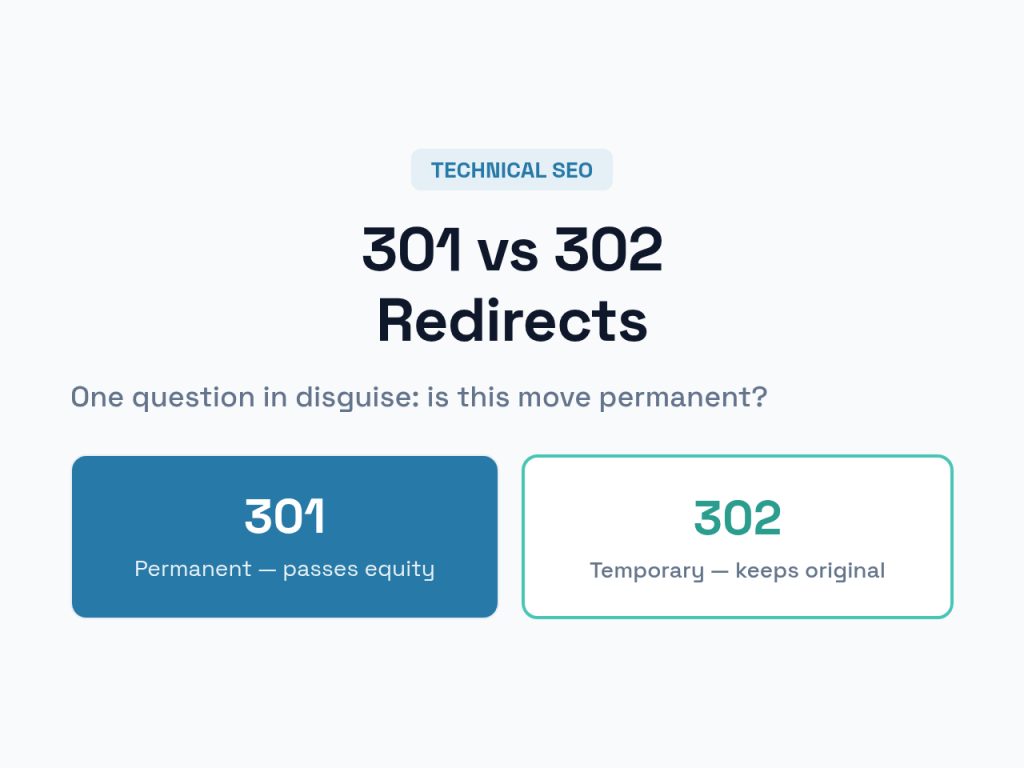
Choosing between a 301 and a 302 redirect feels like a trivial technical detail — two numbers that both send a visitor from one URL to another. But pick the wrong one and you can quietly erase years of accumulated SEO value, or leave an old page ranking long after you wanted it gone. The difference is simple once you understand what each tells a search engine. This guide makes the choice obvious and shows you when to use each.
Redirects sit alongside canonical tags as the core tools for managing URLs that change. If you haven’t yet, our guide to canonical tags covers the gentler cousin of the redirect.
What Is a Redirect?
A redirect is a server’s instruction to send anyone requesting one URL straight to a different one. The visitor’s browser asks for page A, the server replies “go to page B instead,” and the browser follows automatically. Crawlers obey the same instruction — and crucially, how you phrase it changes what they do with the old page’s ranking.
That phrasing is the status code. A 301 means “moved permanently.” A 302 means “moved temporarily.” Same redirect on the surface, completely different message underneath.
301 vs 302: The Core Difference
Everything about choosing correctly comes down to one question: is this move permanent or temporary?
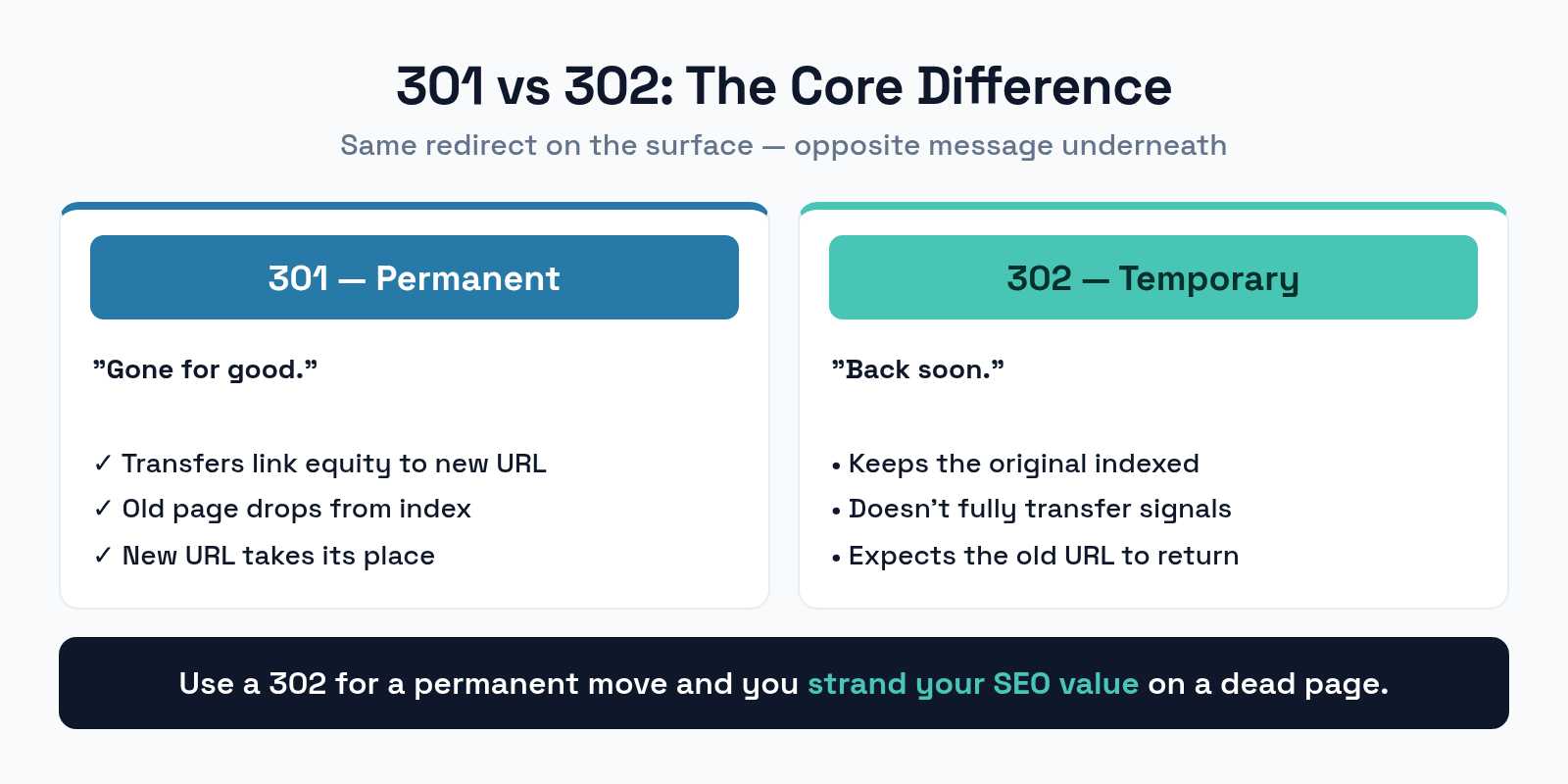
A 301 permanent redirect tells search engines the old URL is gone for good. They transfer the old page’s ranking signals — its link equity and authority — to the new URL, and over time they drop the old page from the index and replace it with the new one. A 302 temporary redirect says the move is short-term. Search engines keep the original URL indexed, expecting it to return, and they don’t fully transfer ranking signals to the destination. Use a 302 for a permanent move and you strand your SEO value on a page that’s never coming back.
When to Use a 301
The 301 is the redirect you’ll reach for most. Any time a change is permanent, it’s the right call.
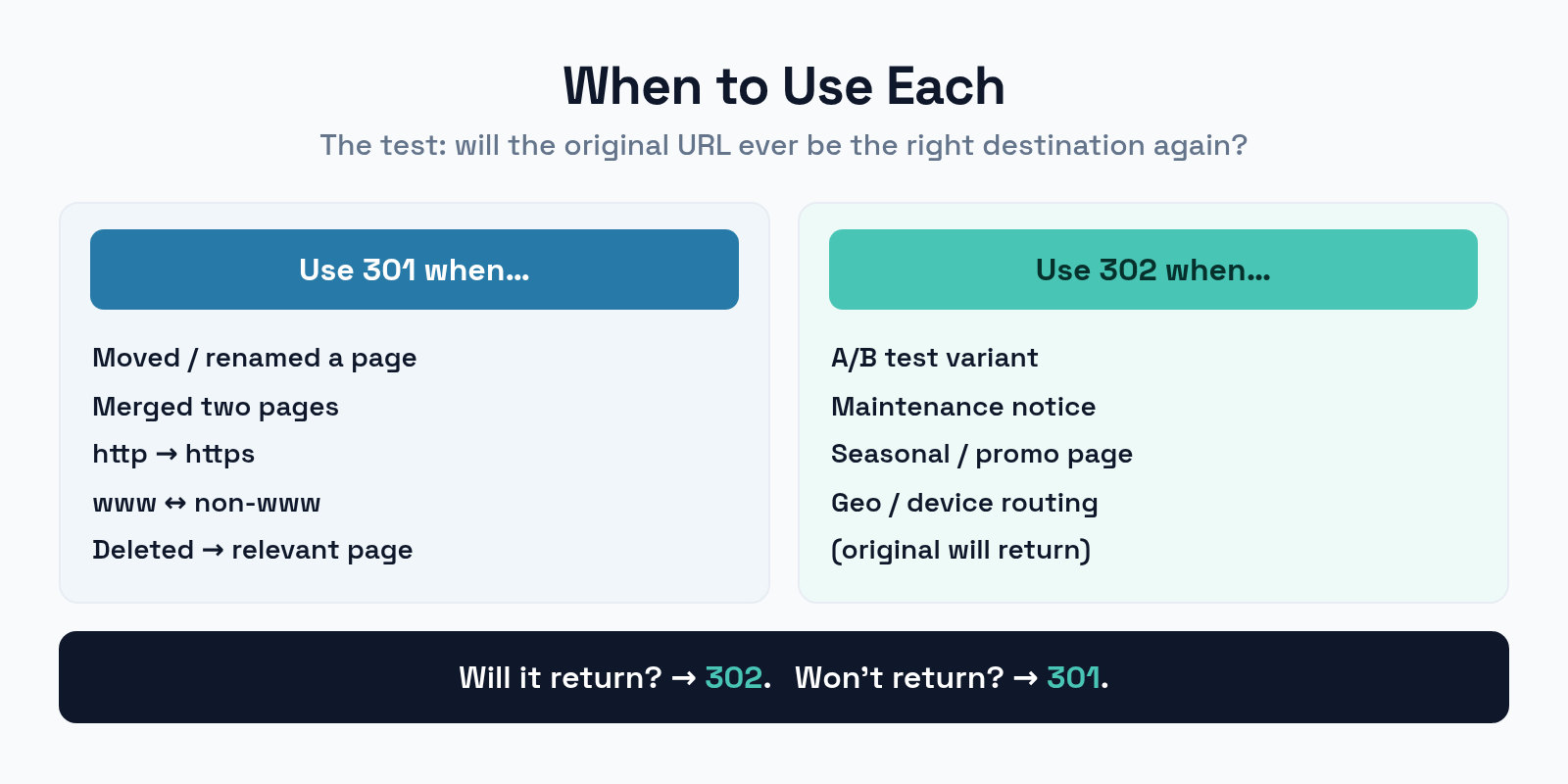
Reach for a 301 when you’ve permanently moved or renamed a page, merged two pages into one, migrated from http to https, standardized between www and non-www, or deleted a page and want to send its visitors and authority to a relevant live one. In every case the old URL is finished, and the 301 makes sure the value it earned follows it forward instead of evaporating.
When to Use a 302
The 302 is the specialist. It’s correct only when the original URL genuinely will come back.
Use a 302 when you’re running an A/B test and temporarily routing traffic to a variant, when a page is down for maintenance and you’re redirecting to a notice, when you’re showing a seasonal or promotional page that will revert, or when you redirect by location or device in a way that should keep the original URL indexed. The test in every case: if the original will return, use a 302; if it won’t, use a 301. When in doubt, ask whether you ever expect the old URL to be the right destination again.
How to Implement Redirects
Where you set up a redirect depends on your stack, but the options are straightforward.
On most WordPress sites, a redirect plugin is the simplest route — you enter the old and new URLs and it handles the status code. At the server level, Nginx uses a return 301 or rewrite directive, while Apache uses Redirect 301 or RewriteRule in .htaccess. Server-level redirects are the fastest because they happen before your application loads. Whatever the method, the principle is identical: pick the status code that tells the truth about whether the move is permanent.
Avoid Redirect Chains and Loops
One redirect is fine. The trouble starts when redirects pile up or fold back on themselves.
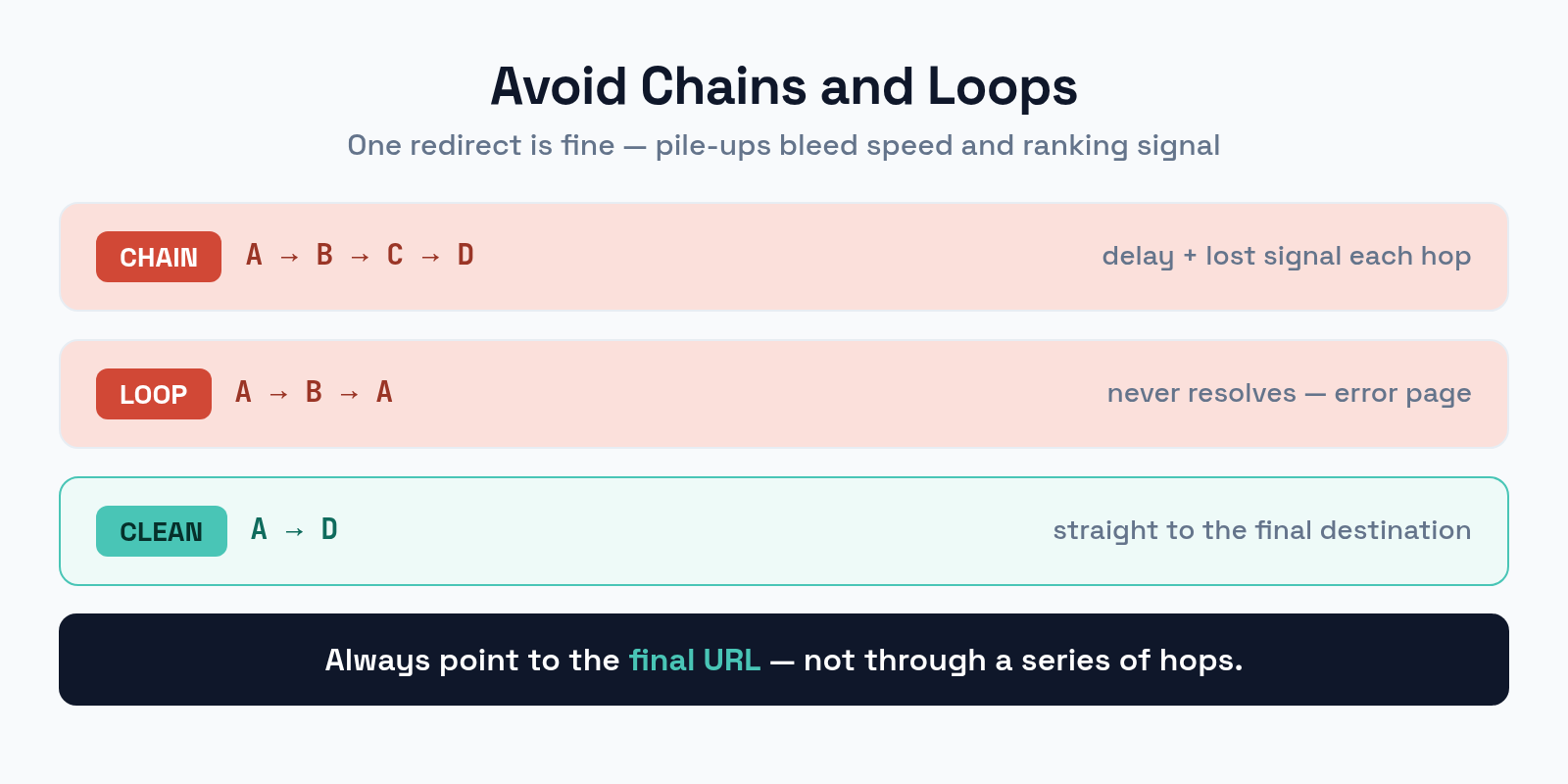
A redirect chain is A → B → C → D, where each hop adds delay and bleeds a little ranking signal. Crawlers may give up before reaching the end, and users wait through every step. Worse is the redirect loop — A → B → A — which never resolves and shows visitors an error. The fix for both is to always redirect straight to the final destination: point A directly at D, not through B and C. After any site change, audit your redirects to flatten chains into single hops.
Common Redirect Mistakes
A few errors turn a helpful redirect into an SEO liability. Watch for these.
- Using 302 for a permanent move. The most expensive mistake — your ranking signals stay stuck on a dead URL. Permanent means 301.
- Redirecting everything to the homepage. Sending deleted pages to the homepage instead of a relevant page wastes their authority and frustrates users. Redirect to the closest match.
- Building redirect chains. Always point to the final URL, not through a series of hops.
- Forgetting to update internal links. Redirects are a safety net, not a substitute for fixing the links themselves. Update them so crawlers hit the real URL directly.
- Leaving redirect loops. Test every redirect — a loop takes the page down entirely.
Frequently Asked Questions
Does a 301 redirect pass all link equity?
It passes the large majority of it. Modern search engines transfer almost all of a page’s ranking signals through a 301, so a permanent move keeps nearly all the value the old URL earned. A 302, by contrast, doesn’t reliably pass that value at all.
How long should I keep a 301 redirect in place?
Indefinitely, ideally. Search engines need time to fully transfer signals and update their index, and old links and bookmarks can persist for years. Removing a 301 too soon resurrects the old broken URL. Treat permanent redirects as permanent.
Is a 302 ever bad for SEO?
Only when used for a permanent move. Used correctly — for genuinely temporary situations where the original URL will return — a 302 is exactly right and causes no harm. The damage comes from using it as a substitute for a 301.
What about 307 and 308 redirects?
They’re the stricter HTTP/1.1 versions: 308 is permanent (like 301) and 307 is temporary (like 302), but they preserve the request method. For standard SEO redirects, 301 and 302 remain the practical choices unless you have a specific technical reason.
The Bottom Line
The 301-versus-302 decision is really one question wearing a technical disguise: is this move permanent? If yes, use a 301 so your ranking signals follow the page to its new home. If the original URL will genuinely return, use a 302 to keep it indexed. Redirect straight to the final destination to avoid chains and loops, point deleted pages to relevant live ones rather than the homepage, and update your internal links so the redirect is a backup, not a crutch. Get the status code right and a URL change costs you nothing.