Canonical Tags: The Complete Guide to Fixing Duplicate Content
 Anna Novak
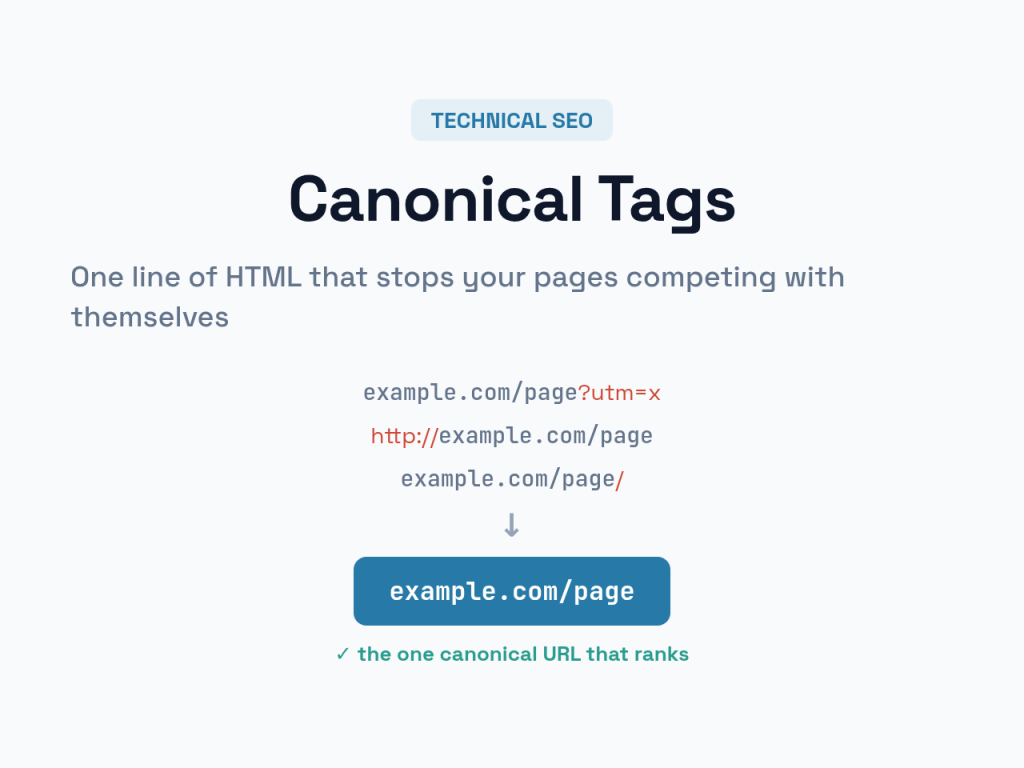
Duplicate content rarely means someone copied your work. Far more often, it means your own site is serving the same page at several different URLs — and quietly competing with itself in search results. The canonical tag is the small, one-line fix for this surprisingly common problem. This guide explains what canonical tags do, when you need them, and how to implement them without the mistakes that make things worse.
If you just need to generate a correct tag quickly, our canonical URL generator builds one for you. But understanding why it works will save you from the errors that silently hurt rankings.
What Is a Canonical Tag?
A canonical tag is a snippet of HTML — <link rel="canonical" href="..."> — placed in a page’s <head>. It tells search engines, “Of all the URLs that show this content, this one is the master version. Index and rank this one.” When several URLs serve near-identical content, the canonical tag points them all to a single preferred address.
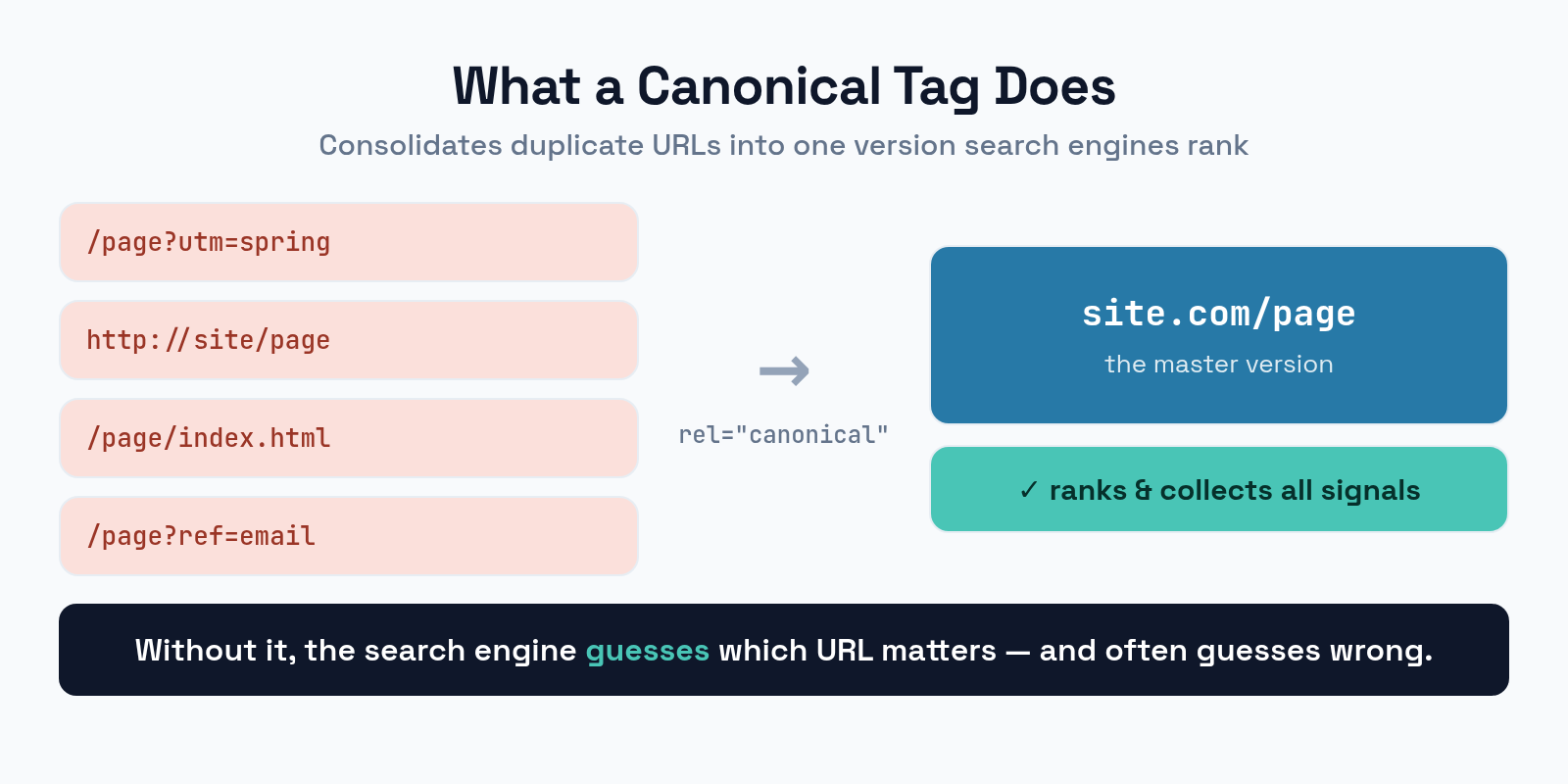
Think of it as a signpost for crawlers. Without it, a search engine that finds the same article at four addresses has to guess which one matters — and it doesn’t always guess the way you’d want. The canonical tag removes the guesswork and consolidates the page’s ranking signals into one place.
Why Duplicate Content Hurts
Duplicate URLs aren’t penalized in the dramatic way people fear, but they do three quiet kinds of damage that add up.
First, they split your ranking signals. Links and authority that should strengthen one page get divided across several copies, so none of them ranks as well as a single consolidated page would. Second, they waste crawl budget: search engines spend time re-crawling duplicates instead of discovering your new content. Third, they let the wrong version rank — a search engine might pick a URL with tracking parameters or an unsecured http:// address as the one it shows. Each problem is small alone; together they hold a site back.
Where Duplicate URLs Come From
The tricky part is that duplicates appear without anyone creating them on purpose. The same page routinely lives at many addresses.
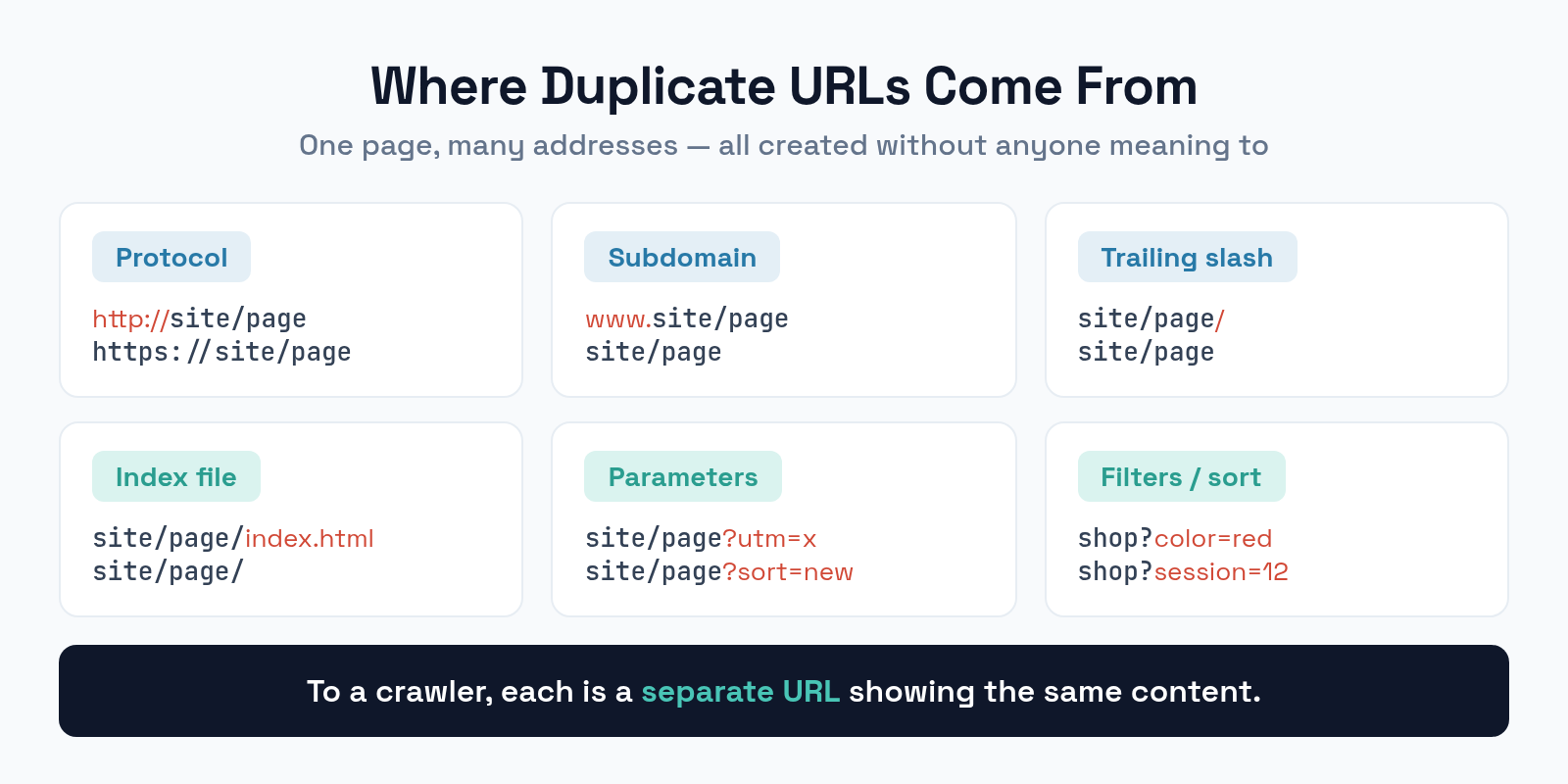
Look at how many ways one homepage can be reached: http:// and https://, www and non-www, with and without a trailing slash, with and without index.html, and with any number of tracking or filter parameters appended. To a search engine, each of these is a separate URL showing the same content. E-commerce sites multiply the problem further with sort orders, filters, and session IDs. A canonical tag on each variation, pointing to the clean master URL, resolves all of it.
How to Implement a Canonical Tag
You have three ways to declare a canonical, and most sites use the first.
The standard method is the HTML head tag: place <link rel="canonical" href="https://example.com/page/"> in the <head> of every version of the page. Always use the full, absolute URL — relative URLs are a common source of errors. For non-HTML files like PDFs, use the HTTP header method, which sends the canonical in the server response instead. Finally, the URLs you list in your XML sitemap act as a soft canonical hint, so only include the master versions there. If you also run a multilingual site, your canonical strategy must work alongside your hreflang tags, since each language version should be self-canonical.
The Self-Referencing Canonical
Here’s a best practice many sites miss: every page should have a canonical tag pointing to itself. A self-referencing canonical removes ambiguity even when no obvious duplicate exists, and it protects you from parameter-based duplicates you didn’t anticipate. Make self-canonicalization your default, and add cross-page canonicals only where real duplication occurs.
Canonical vs. Noindex vs. Redirect
Canonical tags are often confused with two other tools that also deal with unwanted URLs. They solve different problems, and picking the wrong one causes real harm.
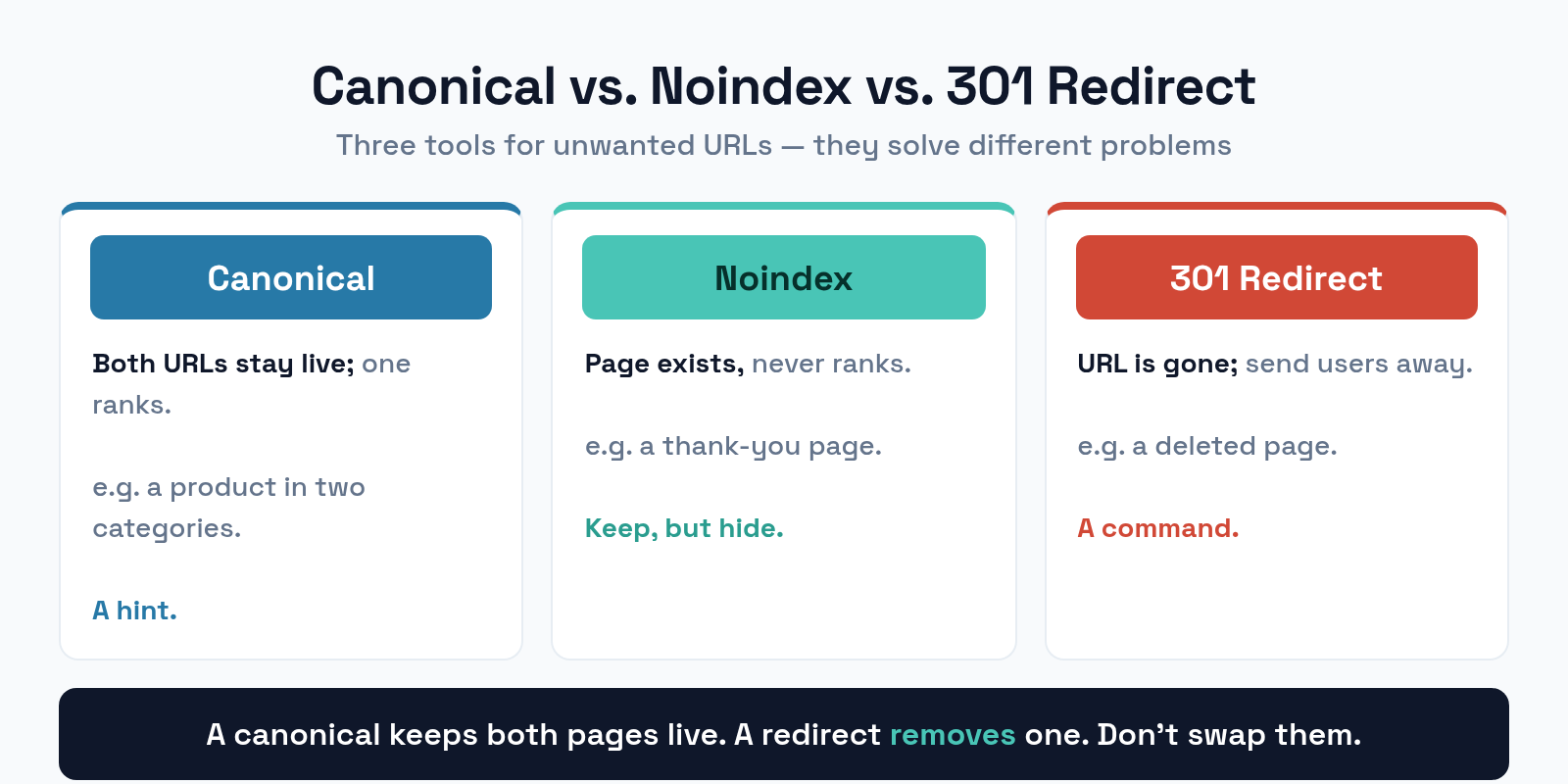
Use a canonical when both URLs should stay accessible but only one should rank — like a product reachable through two categories. Use a noindex when a page should exist for users but never appear in search, such as a thank-you page. Use a 301 redirect when a URL should no longer exist at all and visitors should be sent elsewhere. The key distinction: a canonical is a hint that keeps both pages live, while a redirect is a command that removes one. Choosing a redirect where you needed a canonical can make a useful page disappear.
Common Canonical Tag Mistakes
Canonical tags are easy to add and easy to get subtly wrong. These are the errors that cause the most trouble.
- Canonicalizing to a redirected or noindexed page. Pointing a canonical at a URL that redirects or is blocked sends conflicting signals. The target must be a live, indexable page.
- Using relative URLs. A relative canonical can resolve to the wrong address. Always use the absolute, full URL.
- Multiple canonical tags on one page. Two conflicting canonicals usually make search engines ignore both. Keep exactly one.
- Canonical and noindex together. These send opposite instructions on the same page. Pick one approach per URL.
- Mismatched protocol or slash. Pointing an
httpspage to itshttpversion, or mixing trailing slashes, defeats the purpose. Match the master URL exactly.
Frequently Asked Questions
Does a canonical tag guarantee which page ranks?
No. A canonical is a strong hint, not a command. Search engines usually respect it, but they can choose a different URL if other signals strongly contradict it. Keeping your internal links and sitemap consistent with your canonicals makes them far more likely to be honored.
Should every page have a canonical tag?
Ideally yes — a self-referencing canonical on every page is a sound default. It costs nothing, removes ambiguity, and protects against parameter-based duplicates you can’t always predict.
Can I canonicalize across different domains?
Yes. Cross-domain canonicals are valid and useful when the same content is syndicated to another site. The syndicated copy points its canonical back to your original so your version keeps the ranking credit.
What’s the difference between a canonical and a 301 redirect?
A canonical keeps both URLs accessible and tells search engines which to rank. A 301 redirect removes one URL entirely and sends everyone to the other. Use a canonical when both pages should work; use a redirect when one should be gone.
The Bottom Line
The canonical tag is one of the highest-value, lowest-effort fixes in technical SEO. It consolidates duplicate URLs into a single master version, so your ranking signals stop competing with themselves and the right page shows up in search. Default to self-referencing canonicals everywhere, add cross-page canonicals where real duplication occurs, use absolute URLs, and never point a canonical at a redirected or blocked page. Get those basics right and a whole class of invisible SEO problems simply disappears.
One Search Console status confuses people more than any other in this area. If your Page indexing report shows alternate page with proper canonical tag, that row is reporting success rather than a fault — and two neighbouring statuses are the ones that need work.