Title Tags: Writing SEO Titles That Rank and Get Clicks
 Anna Novak
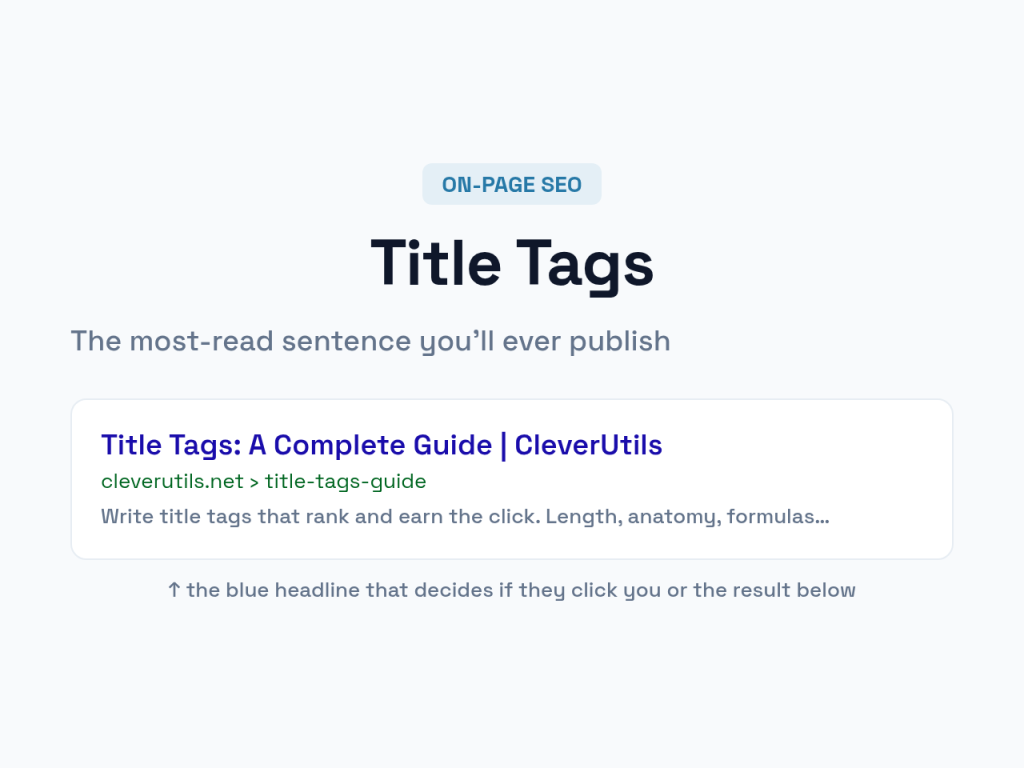
Your title tag is the single most-seen piece of writing on your entire website — and most people spend thirty seconds on it. It’s the blue headline in every search result, the label on every browser tab, the text that shows when your page is shared. It decides whether a searcher clicks you or the result below you. This guide shows you how to write title tags that both rank well and earn the click.
You can preview and build your tags with our meta tags generator, but writing one that works takes a little craft. Let’s cover it.
What Is a Title Tag?
A title tag is the HTML element — <title>Your Title</title> — that defines a page’s headline for search engines and browsers. It’s one of the oldest and still one of the strongest on-page ranking signals, and it’s the text searchers actually read before deciding where to click.
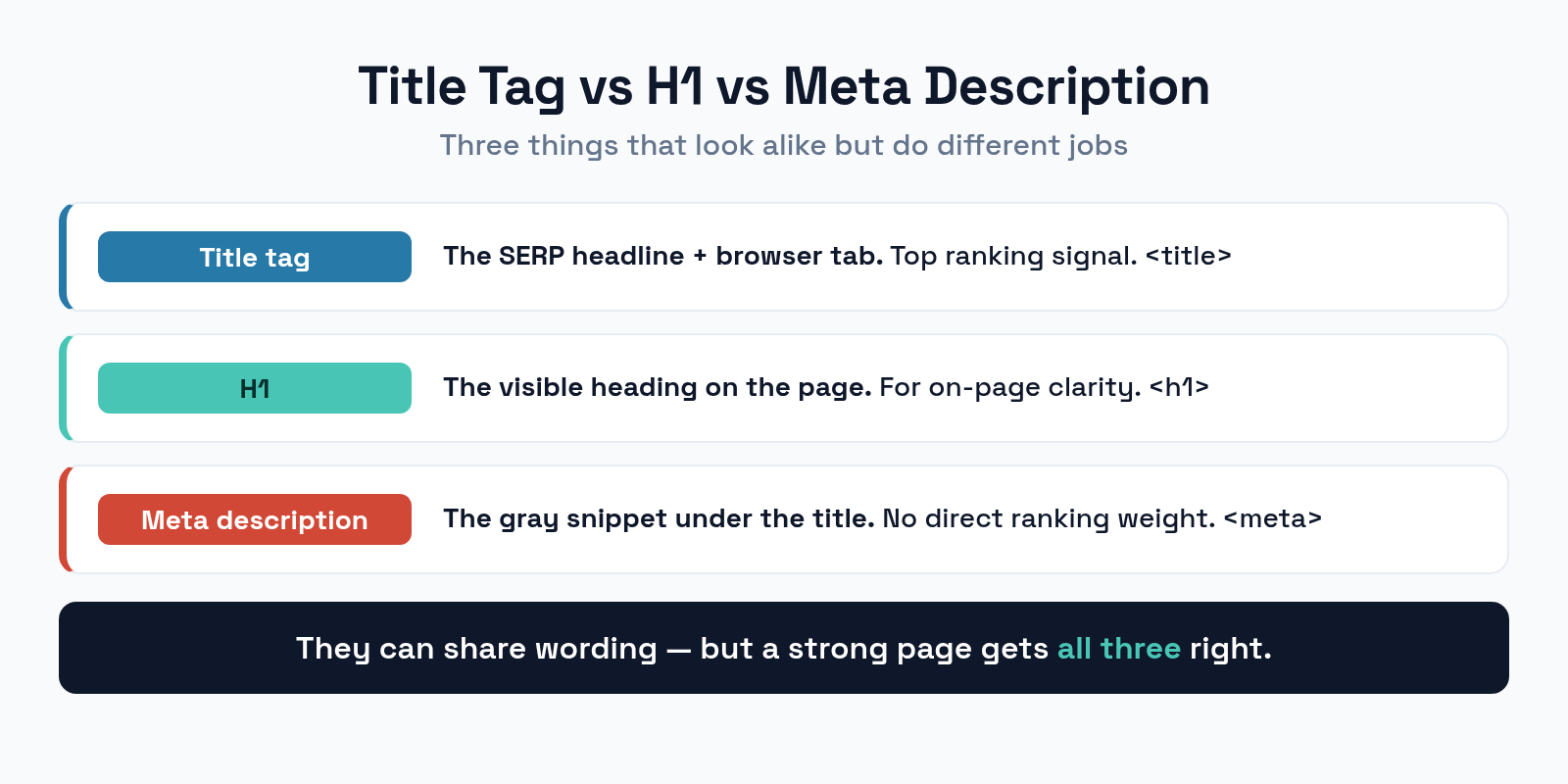
People constantly confuse three things that look similar. The title tag is the SERP headline and tab label. The H1 is the visible heading on the page itself. The meta description is the gray snippet under the title in search results. They can share wording, but they’re separate elements with separate jobs — and a strong page gets all three right. For the snippet beneath, see our guide on writing meta descriptions that get clicks.
How Long Should a Title Tag Be?
Search engines truncate titles that run too long, cutting your carefully chosen words off mid-thought. The limit isn’t really characters — it’s pixels.
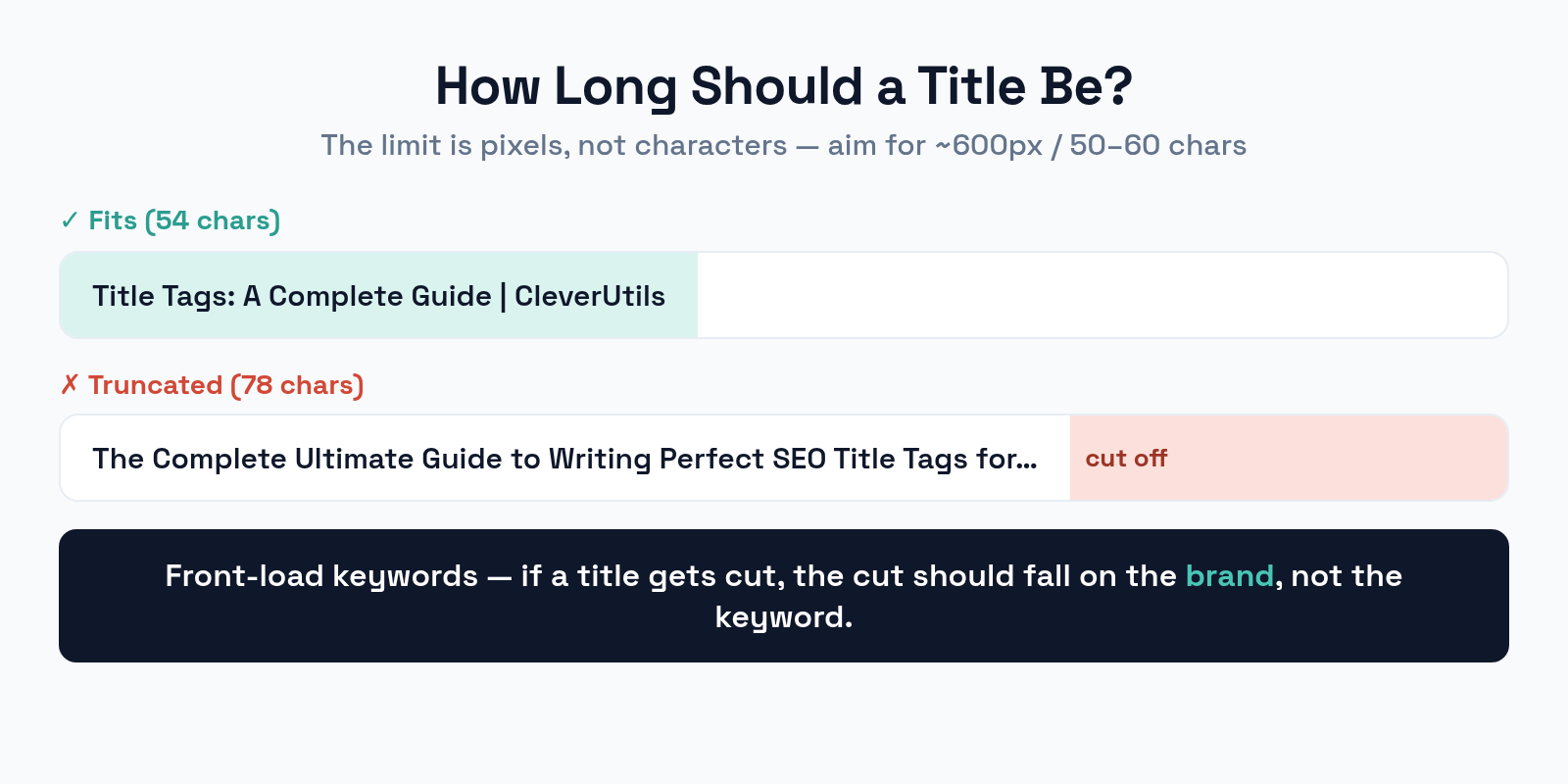
Aim for roughly 50 to 60 characters, or about 600 pixels. Wide letters like W and M eat more space than thin ones like i and l, which is why character count is only a guide. Front-load the important words: if a title gets cut, you want the cut to fall on the brand name or a minor modifier, never on your primary keyword. A title that reads clearly even when truncated is a title that survives every device.
The Anatomy of a Strong Title
A good title does three jobs at once: it tells search engines what the page is about, tells humans why to click, and fits the space. A reliable structure handles all three.
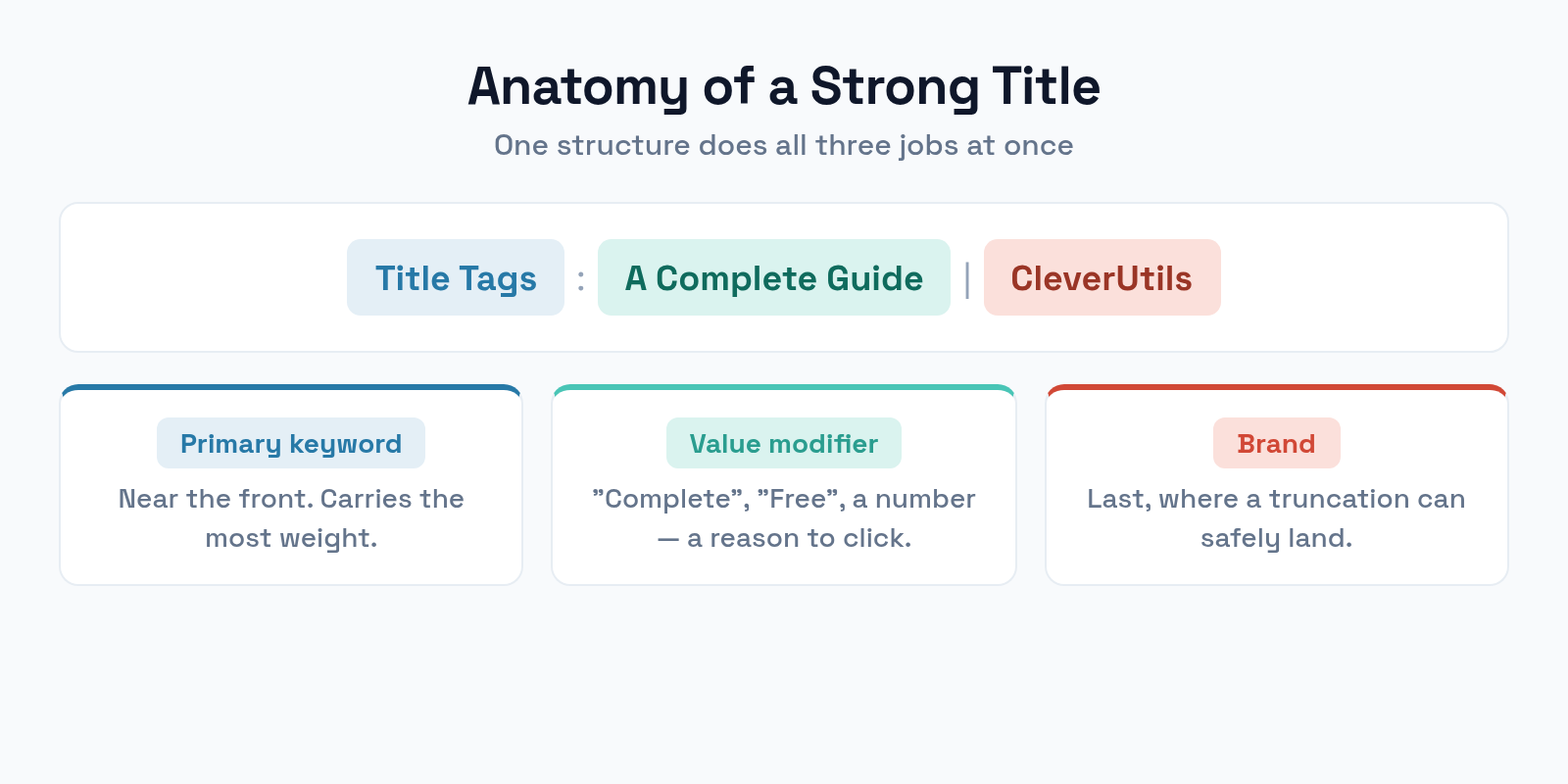
Lead with your primary keyword near the front, where it carries the most weight and survives truncation. Add a value modifier — a word like “complete,” “fast,” “free,” or a number — that gives a human a reason to click. Close with your brand name, usually after a separator like a pipe or dash. So “Title Tags: A Complete Guide | CleverUtils” puts the keyword first, the promise in the middle, and the brand where a truncation can safely land.
Title Formulas That Work
You don’t need to reinvent the title for every page. A few proven patterns cover most content, and they earn clicks because searchers recognize them.
- How-to: “How to [Achieve Outcome]: [Method or Benefit]” — perfect for tutorials and guides.
- List: “[Number] [Things] for [Goal]” — numbers stand out in a results page and set clear expectations.
- Versus: “[Option A] vs [Option B]: Which to Choose” — strong for comparison searches with clear intent.
- Question: “What Is [Topic]? [Quick Answer Promise]” — matches how people phrase searches.
Match the formula to the search intent behind the keyword. A how-to title on a comparison query — or vice versa — feels off and gets fewer clicks even when it ranks. The pattern should mirror what the searcher is actually trying to do.
Why Unique Titles Matter
Every page on your site needs its own distinct title. Duplicate titles are a common, quietly damaging mistake.
When several pages share the same title, search engines struggle to tell them apart, and you end up competing with yourself for the same searches — the same self-cannibalization that canonical tags fix for duplicate URLs. Worse, identical titles in a results page give a searcher no reason to pick one of your pages over another. Audit your site for duplicate titles, especially across paginated archives, filtered listings, and templated pages where they multiply silently.
Common Title Tag Mistakes
Most weak titles fail in one of a handful of predictable ways. Avoid these and you’re ahead of most of your competition.
- Keyword stuffing. “SEO Tools, SEO Software, Best SEO” reads like spam and rarely helps. Use your keyword once, naturally.
- Burying the keyword. Leading with your brand pushes the keyword past the point of truncation and weakens the signal. Brand goes last.
- Writing for robots, not humans. A title that ranks but reads like a database field won’t get clicked. Make it appealing to a person.
- Duplicate titles. Every page needs a unique title, or your pages compete with each other.
- Overlength. Past ~60 characters your message gets cut. Say what matters in the visible space.
Frequently Asked Questions
Should the title tag match the H1?
They can be similar but don’t have to be identical. The title tag is optimized for the search result and click-through, while the H1 is for on-page clarity. Many sites use a slightly punchier title and a more descriptive H1 — both targeting the same topic.
Does the brand name belong in every title?
Usually yes, at the end. It builds recognition across search results and reassures clickers. The exception is when you’re tight on space for a competitive keyword — then drop the brand on that page so the keyword and value modifier fit fully.
Will search engines rewrite my title?
Sometimes. Search engines may replace a title they judge unhelpful — too long, stuffed, or mismatched to the query. Writing a clear, accurate, well-sized title is the best way to keep yours intact and shown as written.
How important is the title tag for ranking?
Very. It remains one of the strongest on-page signals, telling search engines what a page is about. Combined with its outsized effect on click-through rate, the title tag is among the highest-leverage elements you can optimize on any page.
The Bottom Line
The title tag does double duty like nothing else on your page: it’s a top ranking signal and your storefront in the search results. Keep it around 50 to 60 characters, lead with your primary keyword, add a value modifier that gives humans a reason to click, and close with your brand. Make every title unique, match the formula to the search intent, and write for a person who’s deciding where to click. Spend more than thirty seconds on it — it’s the most-read sentence you’ll ever publish.