Meta Robots and Noindex: Controlling What Google Indexes
 Anna Novak
Not every page on your site belongs in Google. Thank-you pages, internal search results, thin tag archives, staging URLs — these exist for good reasons, but you don’t want them showing up in search and diluting your site’s quality. The meta robots tag is how you tell search engines exactly which pages to index and which to leave out. Used well, it’s precision control; used carelessly, it can quietly remove your most important pages from search entirely.
This is the indexing half of a trio that also includes canonical tags and robots.txt. Knowing which tool does what is the whole skill — so let’s draw the lines clearly.
What Is the Meta Robots Tag?
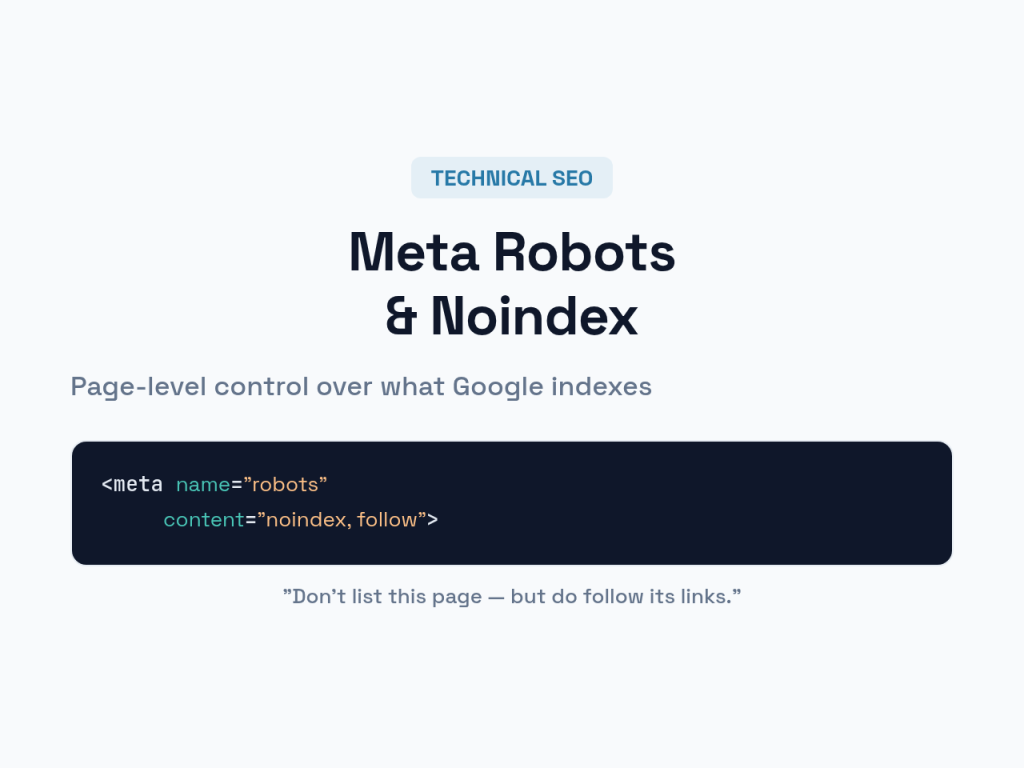
The meta robots tag is a line of HTML in a page’s <head> — <meta name="robots" content="..."> — that gives search engines page-level instructions about indexing and link-following. Unlike robots.txt, which makes site-wide crawl rules, the meta robots tag controls a single page at a time.
It carries directives that turn behaviors on or off. The two that matter most are index/noindex (should this page appear in search results?) and follow/nofollow (should search engines follow the links on this page?). By default, every page is index, follow — so you only add the tag when you want to change that.
The Directives That Matter
A handful of directives cover almost everything you’ll need. Combine them in the content attribute, separated by commas.
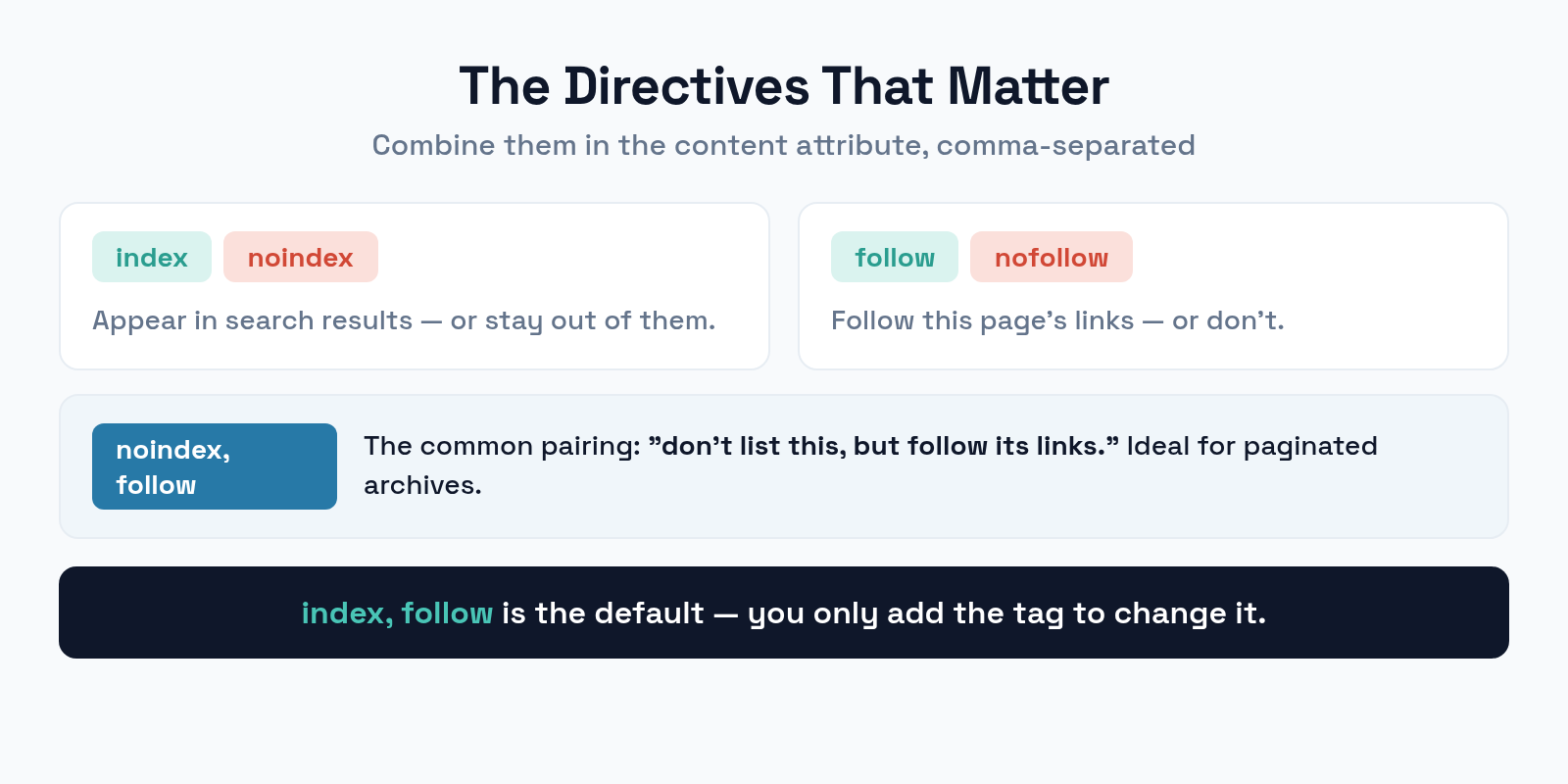
noindex keeps a page out of search results. nofollow tells search engines not to follow the page’s links. The common pairing noindex, follow says “don’t list this page, but do follow its links to discover others” — ideal for paginated archives. There are extras like noarchive (no cached copy) and nosnippet (no preview text), but index and follow handle the vast majority of real needs. Since index, follow is the default, you never need to add it explicitly.
The Critical Distinction: Noindex vs. robots.txt
This is the single most misunderstood point in technical SEO, and getting it wrong produces the exact opposite of what you intended.
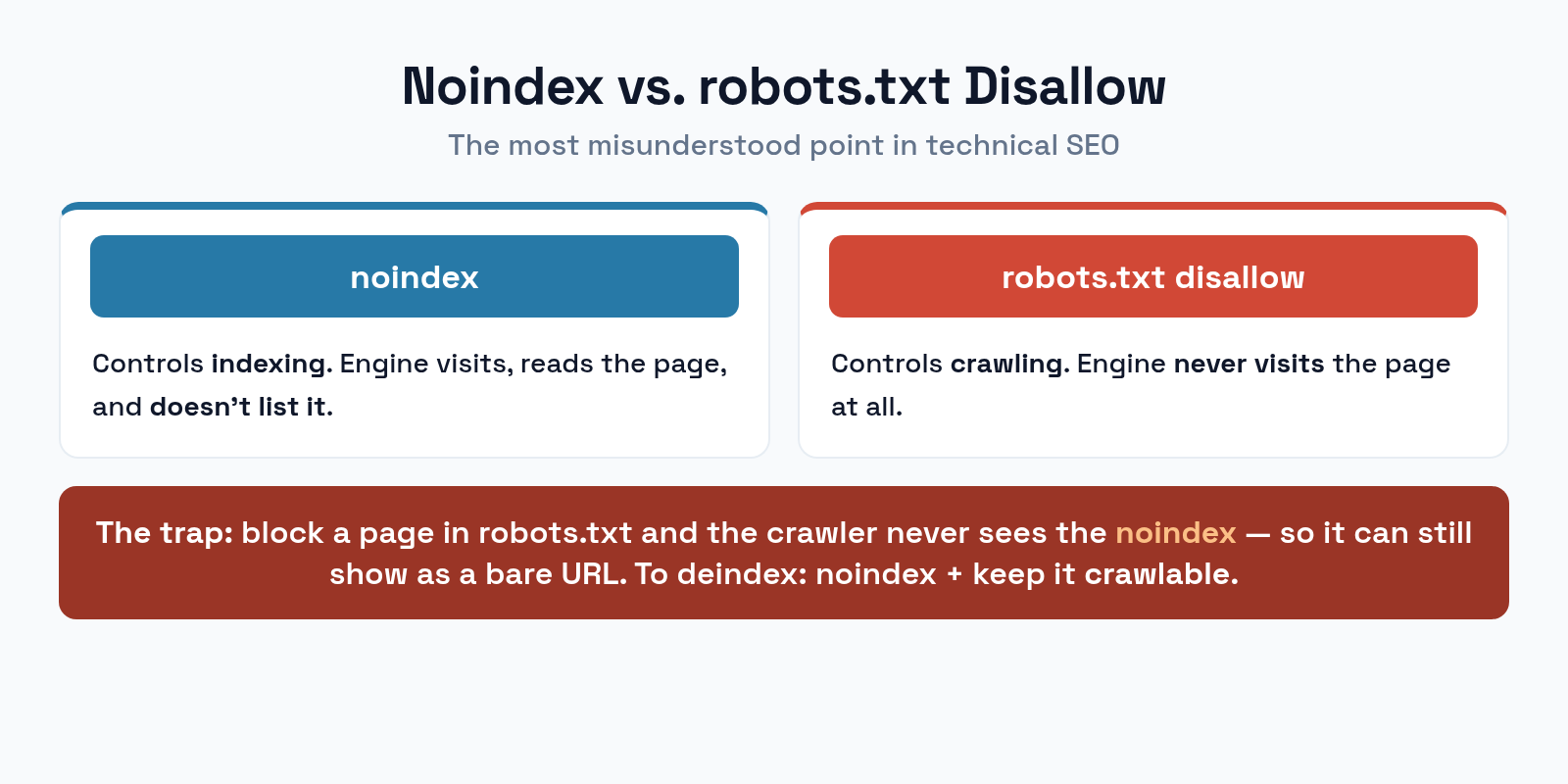
robots.txt disallow blocks crawling — it stops a search engine from visiting the page at all. noindex blocks indexing — it lets the engine visit but tells it not to list the page. Here’s the trap: to obey a noindex tag, a search engine has to crawl the page and read it. If you also disallow that page in robots.txt, the crawler never visits, never sees the noindex, and the page can still appear in results as a bare URL. To reliably remove a page from search, use noindex and leave it crawlable — never block it in robots.txt at the same time.
When to Use Noindex
Plenty of legitimate pages should exist for users but never appear in search. These are the usual candidates.
Reach for noindex on thank-you and confirmation pages (no search value, and they can skew your conversion data if indexed), internal search result pages (endless low-value URL combinations), thin tag or filter archives that add no unique content, staging or test pages that shouldn’t be public, and duplicate or print versions where a canonical isn’t the right fit. The common thread: the page serves a real purpose for visitors but offers nothing a searcher would want to land on.
How to Implement Noindex
There are two ways to apply a robots directive, and they suit different content.
The HTML meta tag — <meta name="robots" content="noindex"> in the <head> — is the standard method for normal web pages, and most SEO plugins let you toggle it per page without touching code. For non-HTML files like PDFs and images, where there’s no <head> to edit, use the X-Robots-Tag HTTP header, which sends the same directive in the server response. The header method can also apply rules in bulk — for example, noindexing every PDF in a directory at once. Same instruction, delivered two ways.
Noindex vs. Canonical vs. robots.txt
The three tools overlap just enough to confuse people. Each answers a different question, and picking the right one is most of the job.
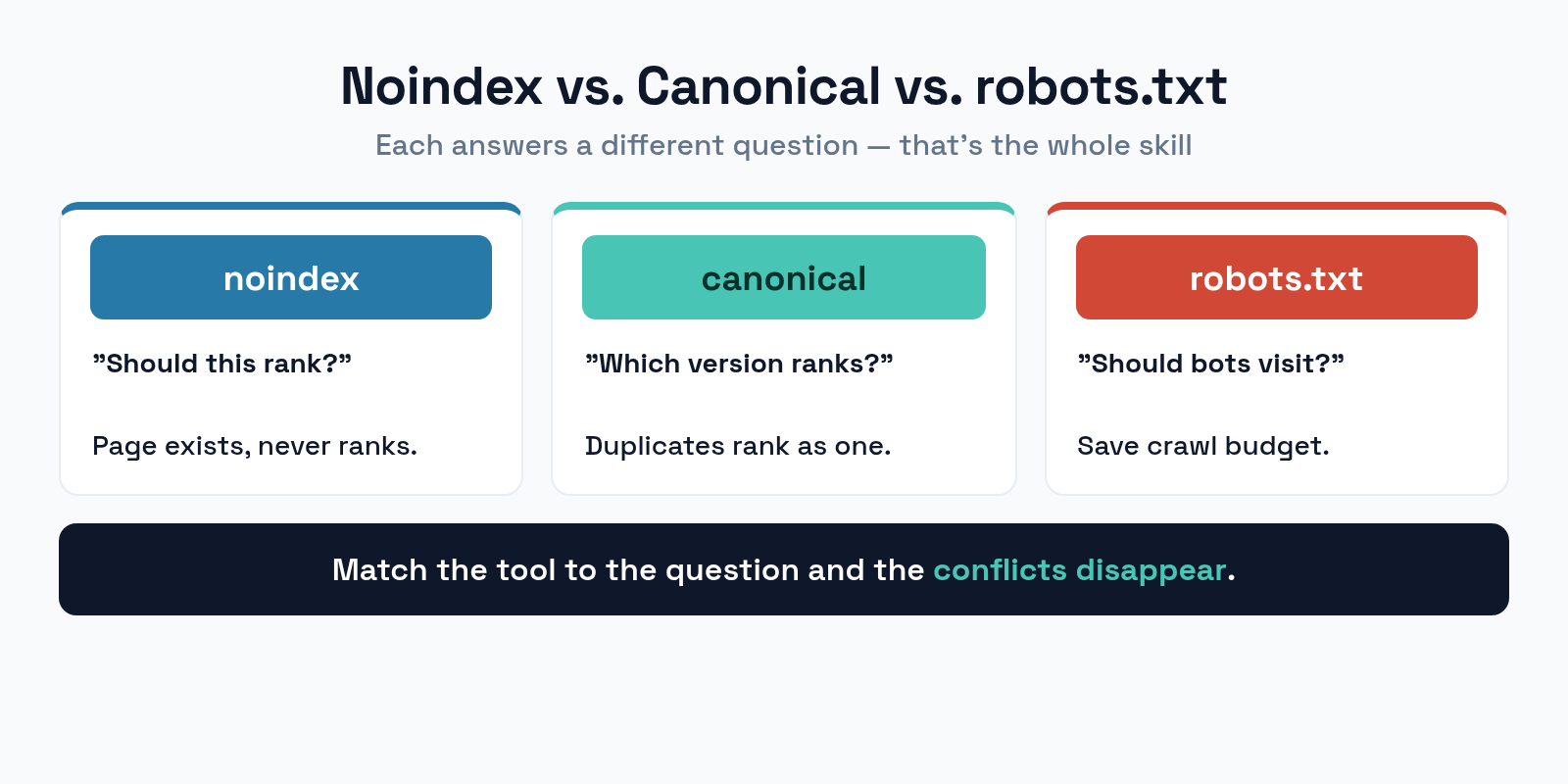
Use noindex when a page should exist but never rank. Use a canonical when duplicate pages should all rank as one master version. Use robots.txt when you want to save crawl budget by keeping bots out of whole sections, accepting that blocked URLs might still appear as bare links. The questions are different: noindex asks “should this rank?”, canonical asks “which version ranks?”, and robots.txt asks “should bots even visit?”. Match the tool to the question and the conflicts disappear. Your XML sitemap should then list only the pages you’ve chosen to index.
Common Meta Robots Mistakes
The errors here are unusually costly, because a misplaced noindex can delist pages you depend on. Watch for these.
- Noindex plus robots.txt disallow. The classic conflict — the crawler can’t see the noindex, so the page lingers in search. Pick one: to deindex, use noindex and keep it crawlable.
- An accidental site-wide noindex. A staging setting carried to production, or a misconfigured plugin, can noindex your entire site. Check this first whenever traffic suddenly vanishes.
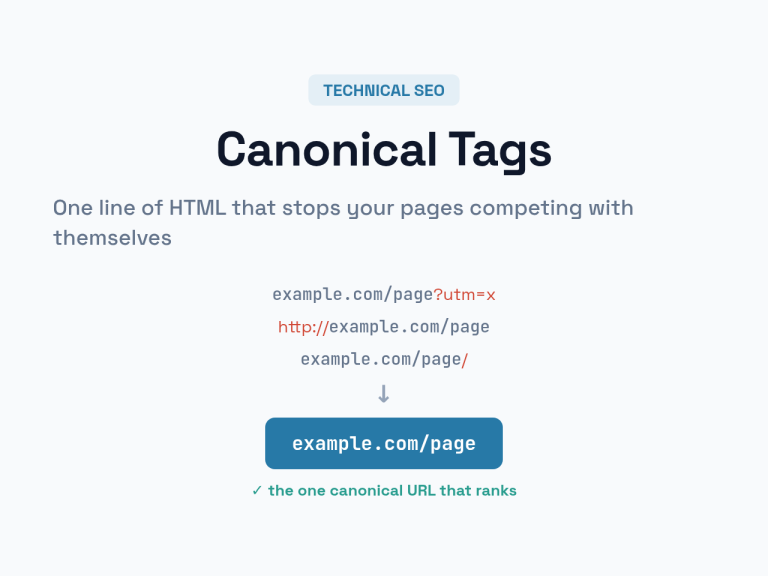
- Noindexing canonicalized pages. Putting noindex on a page that also has a canonical sends mixed signals. Choose one approach per URL.
- Forgetting noindex is reversible-with-a-delay. Removing a noindex doesn’t reindex a page instantly — the engine must recrawl it first. Plan for the lag.
- Using nofollow to hoard “link juice.” Nofollowing your own internal links to sculpt rankings is outdated and usually harmful. Let internal links flow.
Frequently Asked Questions
Will noindex remove a page from Google immediately?
No. The search engine has to recrawl the page to see the new noindex directive, which can take days or weeks. The page stays in results until that recrawl happens. For urgent removals, use Search Console’s removal tool alongside the noindex.
Should I use noindex or robots.txt to hide a page?
To keep a page out of search results, use noindex and leave it crawlable. Use robots.txt only to save crawl budget on sections you don’t need crawled — but know that disallowed pages can still appear as bare URLs. The two are not interchangeable.
Can I noindex a page but still let it pass link value?
Yes. The pairing noindex, follow keeps the page out of search while still letting search engines follow its links to discover and credit other pages. It’s the standard choice for paginated and archive pages.
Why did my pages disappear from search?
A site-wide noindex is the most common cause — often a staging setting that reached production or a plugin misconfiguration. If traffic drops sharply and broadly, check your meta robots tags and your SEO plugin’s indexing settings before anything else.
The Bottom Line
The meta robots tag is page-level control over what shows up in search, and its power makes precision essential. Use noindex for pages that should exist but never rank, and crucially, keep those pages crawlable so the directive can actually be read — never pair noindex with a robots.txt block. Reserve canonicals for choosing a master among duplicates and robots.txt for crawl budget. Audit for accidental site-wide noindex whenever traffic falls. Get the distinctions right, and you decide exactly what Google sees, with no surprises.